
 By
By
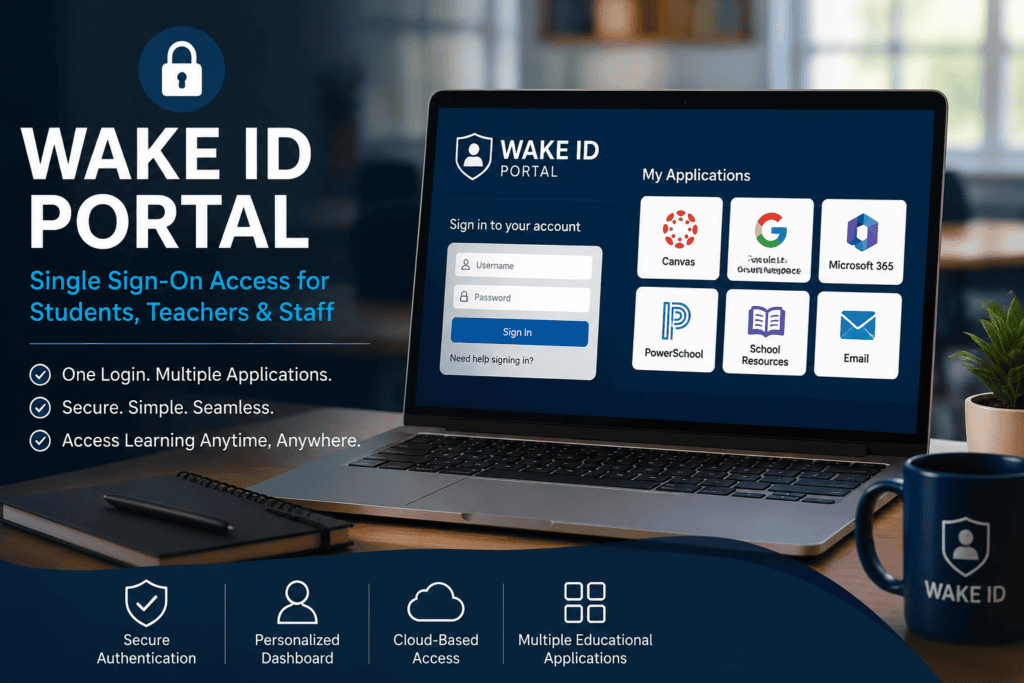
What Is the Wake ID Portal?
The Wake ID Portal is the centralized digital identity platform used by the Wake County Public School System (WCPSS) in North Carolina. It provides students, teachers, staff, and eligible users with single sign-on (SSO) access to educational applications using one secure username and password.
Instead of remembering separate credentials for every learning platform, users sign in once through the Wake ID Portal and gain access to approved educational tools, classroom resources, email services, and district applications.
For students and teachers, this portal has become the starting point of the school day. It reduces login friction, improves security, and simplifies access to digital learning resources.
Quick Answer
Wake ID Portal is the official single sign-on system for Wake County Public School System (WCPSS). It allows students, teachers, and staff to securely access school applications like Canvas, Google Workspace, PowerSchool, Microsoft 365, and other district-approved resources using one login.
Read Also: GoPaddling App Review 2026: Is It Still Worth Using?
Why the Wake ID Portal Matters
Modern education depends on dozens of digital platforms.
Without centralized authentication, users would need to remember numerous passwords while administrators would spend significant time resetting accounts.
The Wake ID Portal solves these challenges by offering:
- One login for multiple applications
- Faster classroom access
- Improved cybersecurity
- Simplified account management
- Centralized digital identity
For schools managing thousands of users, single sign-on dramatically reduces technical support requests while improving productivity.
How the Wake ID Portal Works
The platform acts as an authentication hub.
Rather than logging directly into every educational application, users authenticate through Wake ID first.
The portal then verifies:
- User identity
- Account permissions
- School enrollment
- Staff role
- Authorized applications
After verification, users can open supported applications without signing in again.
This process is known as Single Sign-On (SSO).
Who Can Use Wake ID?
The portal supports multiple user groups.
| User | Access Level |
|---|---|
| Students | Learning apps, assignments, email |
| Teachers | Classroom management, grading, instructional tools |
| School Staff | Administrative resources |
| District Employees | Internal systems and enterprise applications |
| IT Administrators | User management and security controls |
Parents generally use other WCPSS parent platforms rather than the student Wake ID account.
How to Log In to Wake ID Portal
Step 1
Visit the official Wake ID login page.
Step 2
Enter your assigned username.
Step 3
Provide your password.
Step 4
Complete multi-factor authentication if required.
Step 5
Click Sign In.
Once authenticated, your personalized dashboard appears with available applications.
Applications Available Through Wake ID
Depending on user role and grade level, available applications may include:
- Canvas
- Google Workspace
- Microsoft 365
- PowerSchool
- Schoology (where applicable)
- Clever integrations
- Digital textbooks
- Library resources
- Student information systems
- Educational assessment tools
- Learning management platforms
Application availability varies by school and district configuration.
Features of Wake ID Portal
Single Sign-On
Users authenticate once.
Every approved application becomes accessible without repeated logins.
Secure Authentication
Wake ID follows district authentication policies designed to protect student information and school data.
Security features may include:
- Password policies
- Session management
- Identity verification
- Secure authentication protocols
Personalized Dashboard
Every user sees applications relevant to their role.
Students see classroom tools.
Teachers receive instructional and administrative applications.
Staff access district resources.
Cloud-Based Access
Because the portal operates online, users can sign in from:
- School computers
- Home laptops
- Chromebooks
- Tablets
- Mobile devices
Internet access is required.
Benefits of Using Wake ID
For Students
- Faster classroom access
- One password to remember
- Easier homework completion
- Seamless digital learning
For Teachers
- Reduced login interruptions
- Simplified classroom management
- Faster access to instructional resources
For IT Departments
- Centralized identity management
- Easier password administration
- Improved security monitoring
- Reduced support requests
Common Wake ID Login Problems
Forgotten Password
Students should follow district password recovery procedures or contact their school technology support.
Incorrect Username
Always verify:
- Proper spelling
- School-issued username
- No extra spaces
Browser Issues
Sometimes cached data causes authentication problems.
Possible fixes include:
- Clear browser cache
- Try Incognito mode
- Update the browser
- Use another supported browser
Account Locked
Multiple failed login attempts may temporarily lock an account.
Wait for the lockout period or contact school IT support.
Application Missing
Not every user receives access to every application.
Access depends on:
- Grade level
- School enrollment
- Staff permissions
- District licensing
Security Best Practices
Students and staff should:
- Never share passwords.
- Log out from public computers.
- Use strong passwords.
- Update passwords when required.
- Report suspicious login activity.
- Keep recovery information current if available.
Strong account security helps protect both personal information and school systems.
Wake ID vs Traditional School Logins
| Feature | Wake ID | Traditional Login |
|---|---|---|
| Single Password | Yes | No |
| Multiple Applications | Yes | Separate logins |
| Central Dashboard | Yes | No |
| Simplified Access | Yes | Limited |
| Identity Management | Centralized | Individual systems |
Real-World Example
Imagine a middle school student beginning the day.
Instead of opening separate websites and entering different passwords for Google Classroom, Canvas, Microsoft 365, and digital textbooks, the student signs into Wake ID once.
Within seconds, all authorized learning resources become available.
This saves classroom time while reducing login-related disruptions.
Expert Analysis
Educational institutions increasingly rely on identity platforms like Wake ID because cybersecurity threats continue to grow while classrooms become more digital.
A centralized authentication system provides several operational advantages:
- Stronger access control
- Better account auditing
- Easier software deployment
- Improved compliance with educational privacy requirements
- Reduced password fatigue among users
While no authentication system completely eliminates security risks, single sign-on platforms generally improve both usability and administrative oversight when paired with strong password policies and modern security practices.
Practical Checklist
Before logging in, verify:
- Internet connection is working
- Username is correct
- Password is entered accurately
- Browser is updated
- Cookies are enabled
- Caps Lock is off
- Multi-factor authentication device is available (if required)
Common Mistakes to Avoid
- Sharing school credentials
- Saving passwords on public computers
- Ignoring password update reminders
- Using outdated browsers
- Attempting repeated incorrect logins
- Leaving accounts logged in after class
Future of Wake ID
Educational identity platforms continue evolving.
Future improvements may include:
- Passwordless authentication
- Biometric login support
- Expanded cloud integrations
- AI-assisted security monitoring
- Adaptive authentication
- Enhanced mobile experiences
- Deeper learning analytics integrations
These developments aim to balance convenience with stronger protection for student and staff accounts.
Read Also: Onic AI Assist: Complete Guide to Pakistan’s Telecom Chatbot (2026)
Conclusion
The Wake ID Portal serves as the digital gateway for the Wake County Public School System, simplifying access to educational resources through a secure single sign-on experience. Whether you’re a student completing assignments, a teacher managing classrooms, or a staff member accessing district tools, the portal reduces login complexity while improving security and efficiency. Understanding how it works, following good security practices, and knowing how to troubleshoot common issues will help you make the most of the platform.
Frequently Asked Questions (FAQ)
1. What is the Wake ID Portal?
It is the official single sign-on platform used by Wake County Public School System (WCPSS) to provide secure access to school applications.
2. Who can use Wake ID?
Students, teachers, school staff, district employees, and authorized users.
3. Is Wake ID free?
Yes. It is provided by WCPSS for authorized users.
4. What should I do if I forget my password?
Follow your school’s password recovery process or contact your school’s technology support team.
5. Can parents log into Wake ID?
Parents typically use dedicated WCPSS parent portals rather than student Wake ID accounts.
6. Can I access Wake ID from home?
Yes. The portal is accessible from any supported device with an internet connection.
7. Why is my application missing?
Application access depends on your role, school, grade level, and district permissions.
8. Is Wake ID secure?
Wake ID is designed with district security policies, secure authentication, and identity management practices to help protect user accounts and educational data.
[…] Read Also: Wake ID Portal: Complete Login Guide for Students, Parents & Staff (2026) […]